The record at a glance
Everything about one person on a single page: who they are, what is coming up, and the way into every part of the record. Upload a document straight from here.
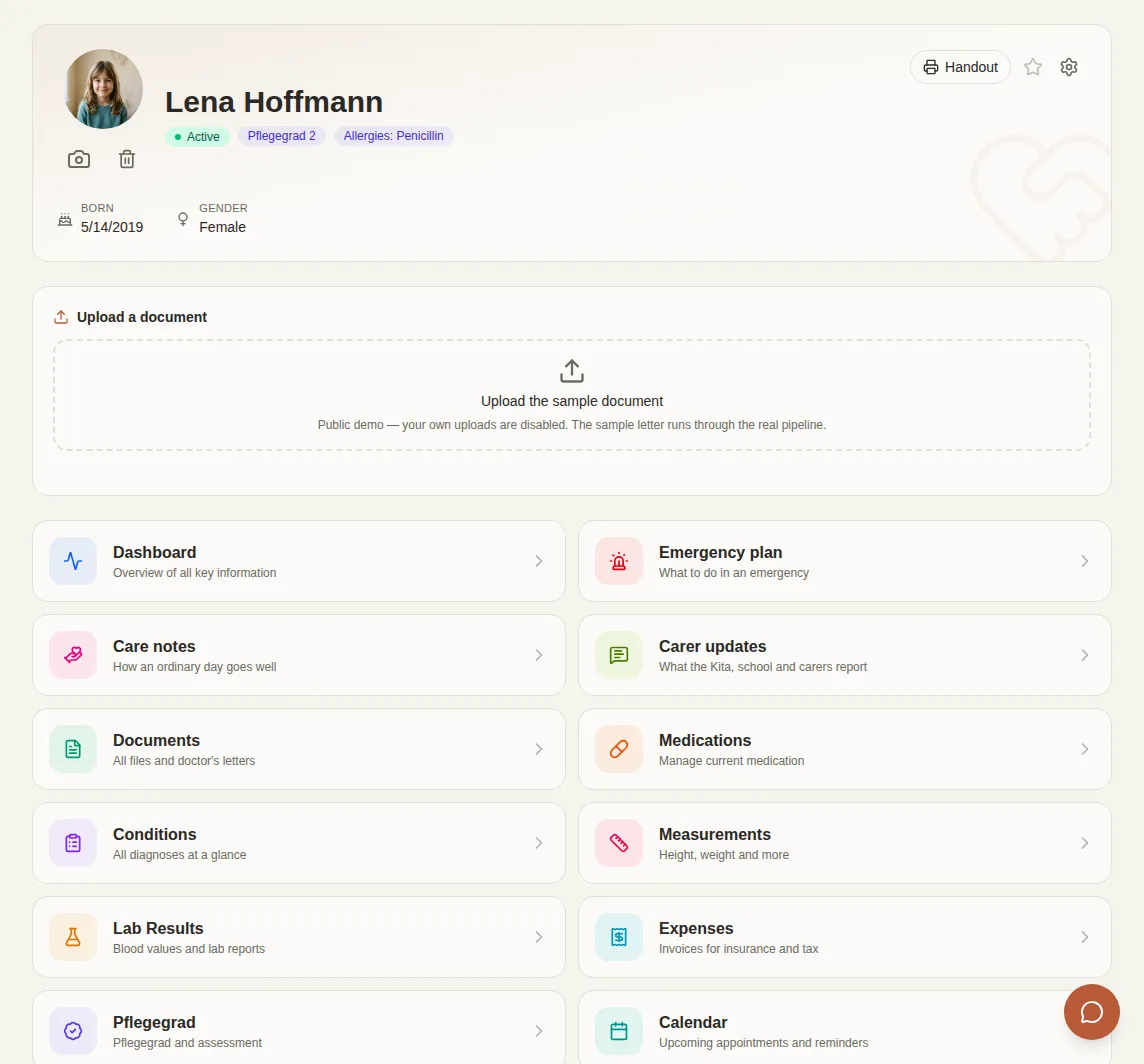
This is what a record looks like once the documents are in. Every screen below comes from the live demo, which you can open yourself.
Open the demo →Everything about one person on a single page: who they are, what is coming up, and the way into every part of the record. Upload a document straight from here.
Diagnoses and medications on a timeline, so you can see when something started, when a dose changed, and what is still running.

Doctors’ letters, lab reports, discharge summaries. The AI reads each one, says what kind of document it is, and pulls out the values. Search covers the text inside the files, not just their names.

What is taken now, at what dose and since when. When the dose changes, the old one stays visible.

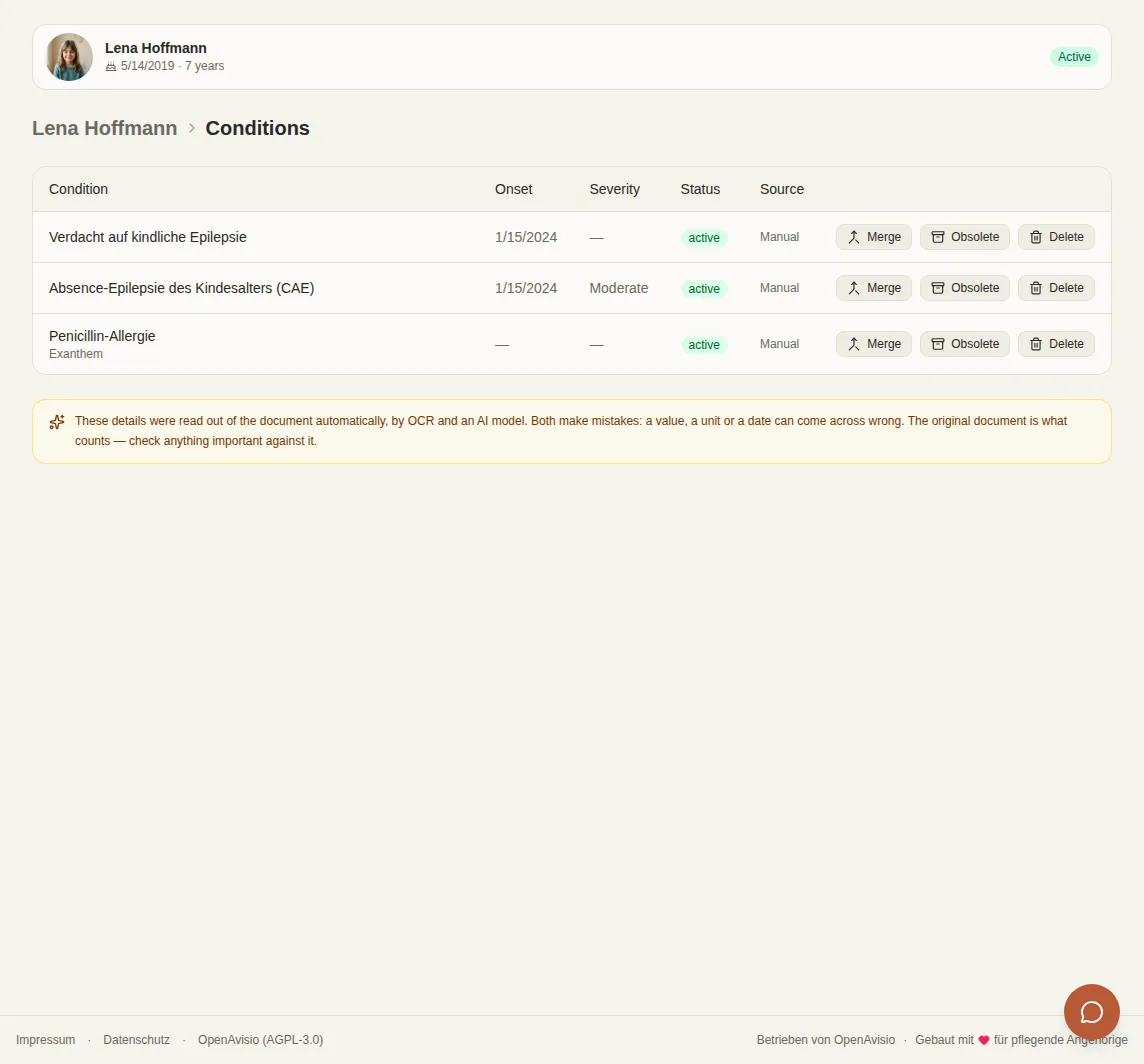
Each diagnosis shows which documents it came from. If several letters mention the same diagnosis, it still appears only once.
Measurements over time, with the trend visible. Taken from the documents automatically, or entered by hand.

Blood counts and other results with their reference ranges, just like on the lab report. Values out of range stand out at once.

OpenAvisio reads the amount off an invoice and you confirm it. The list shows what you paid, what was reimbursed and what is still open, and exports as a table for an application or your tax return.

Dates found in your documents are suggested to you, and you confirm them. If you like, they also show up in the calendar on your phone.

Which Pflegegrad the Pflegekasse assigned, since when and in which Bescheid: details you need on almost every form. Earlier grades stay visible, and so do the assessment results for each area.

You can usually object to a decision from a Krankenkasse or Pflegekasse within a month, but the exact last day is not in the letter. OpenAvisio works it out for you and reminds you twice in good time.

What to do in an emergency: situations with the steps to take, emergency contacts and notes, written by you. If a rescue medication is needed, the plan always shows the current dose from the record.

How the day goes well: communication, eating and drinking, sleep, aids, what helps and what overwhelms. For nursery, school or respite care.

One for the doctor, one for emergencies, one for authorities and insurers, and a profile for nursery or school. It only contains what you confirmed. You see a preview first, leave out what you don't want in it, and download the PDF in German or English or share it as a link.

The demo holds one fictional patient and resets every night, so nothing you do there sticks around.
How to run it yourself →